DATE
1st December 2024
CATEGORY
Creative, UI/UX Design
AUTHOR
Affif Johansyah
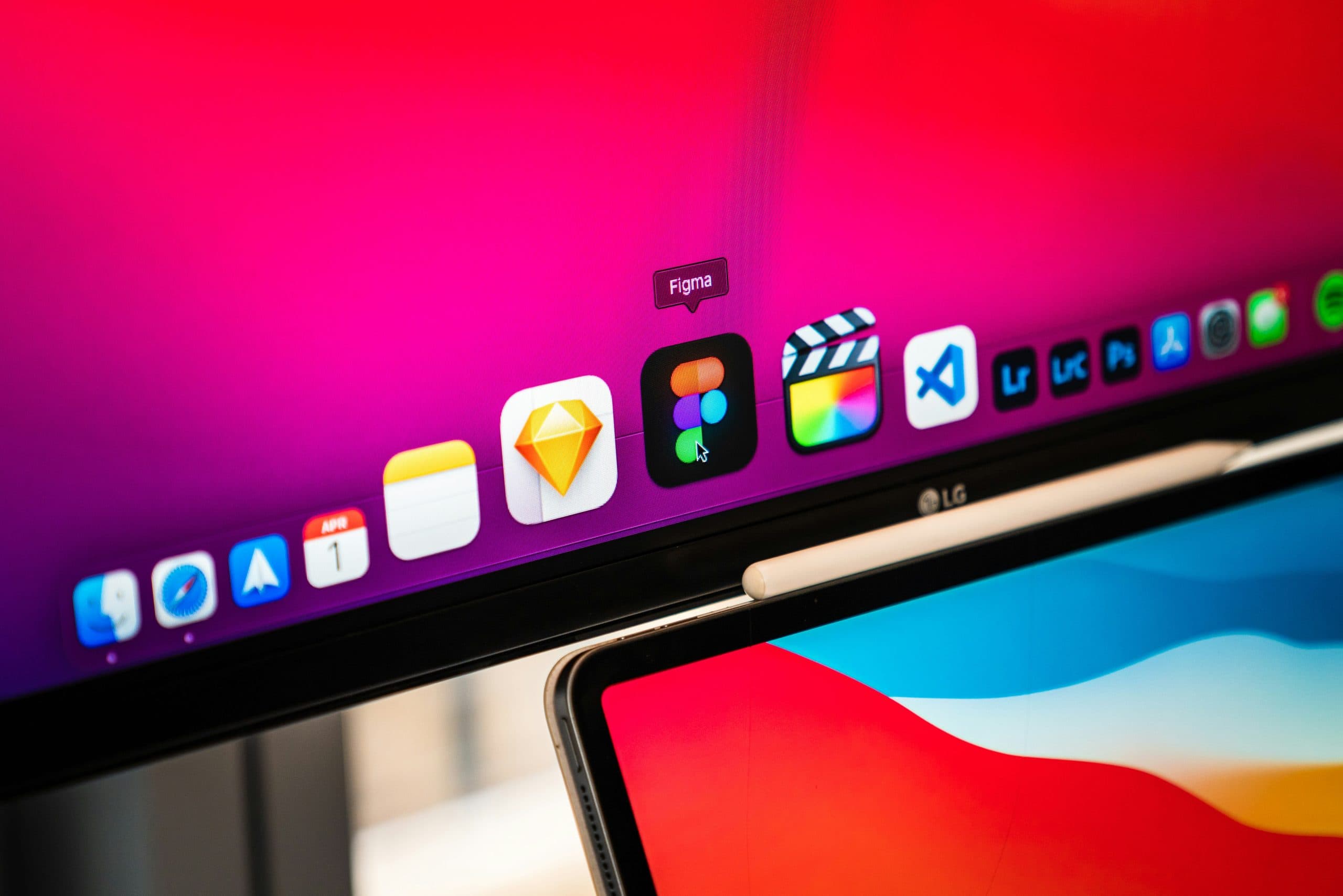
There’s a famous quote “It’s not the gun but the man behind the gun” referring to whatever application you use it doesn’t matter if the user is not capable enough using it. But, in some cases what if you can choose the best gun to optimize your workflow?
Here are our application suggestions for every UI and UX designer, for every role and level
- Figma
Figma is a cloud-based design tool known for its collaborative features. It allows multiple designers to work on a project simultaneously, which makes it a popular choice for design teams. This one is our favorite for working on UI and UX design projects.
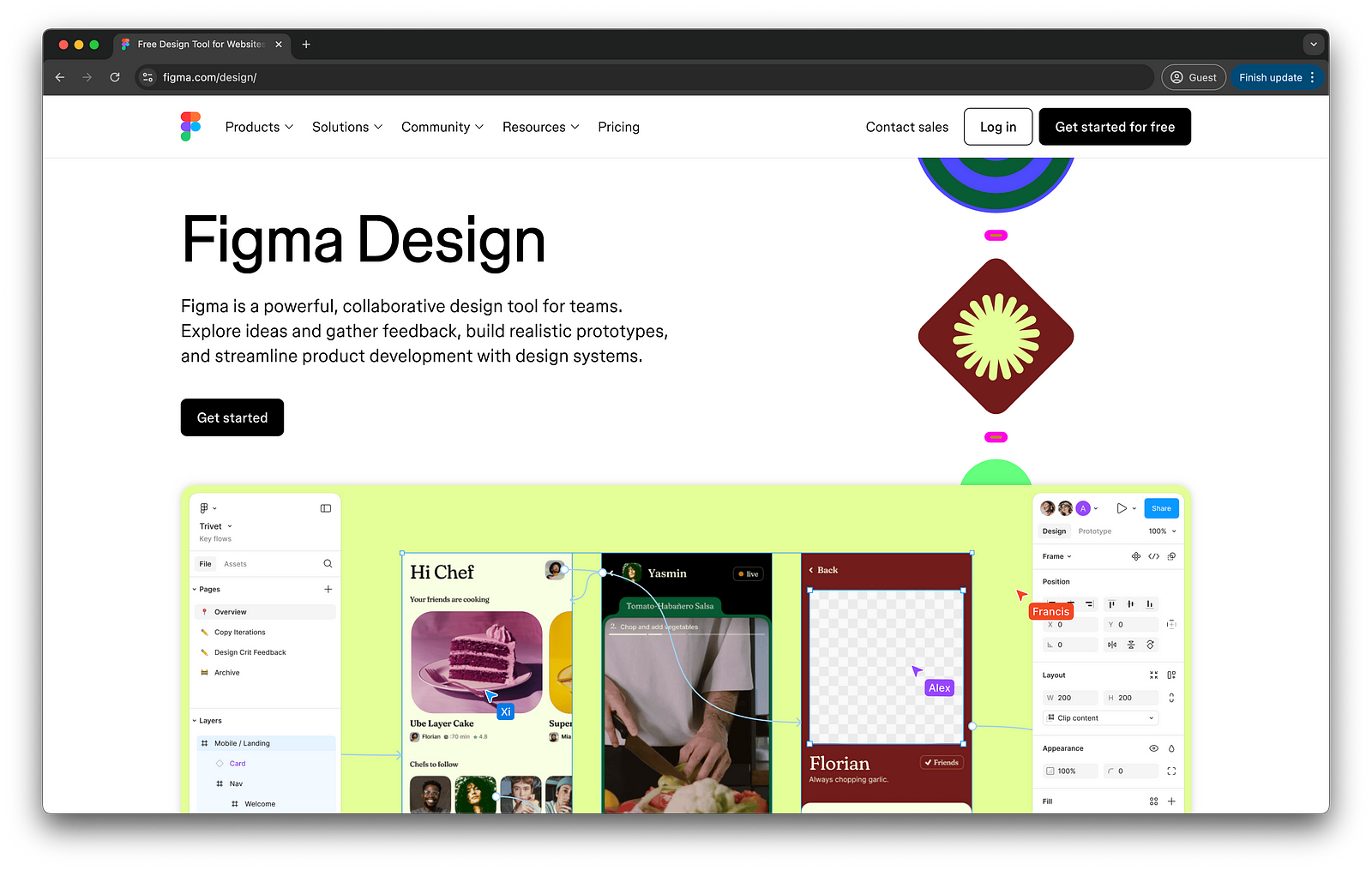
Figma is one of the top list applications for UI and UX design projects, it has many features and plugins that help UI and UX design workflow more effective and efficient. It provides us as users with design system features, variables, and even prototyping. It could be said, that Figma is the all-in-one application for UI and UX designers.
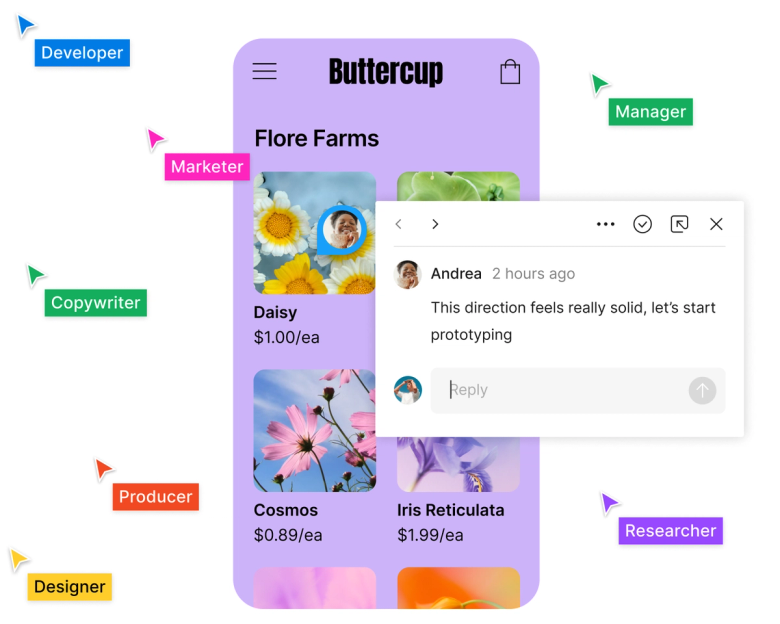
Figma is also helpful for developer, Figma provide the dev-tool, a features helping developer to see the object details (size, color, type, etc.) with ease. They also provide a comment section to help the designer, developer, and stakeholder to communicate each other.
The downside of Figma is only it requires a good connection and capable devices, since Figma is a cloud-based application, it requires a stable connection to be able to use and consume large device capability.
2. Framer
Framer is a cloud-based web builder, but we often use it as a design tool specifically for next-gen websites (immersive websites). It has many animation features to help us create what we want. It also helps us present the design with real animation to clients. With a cloud-based application, we can use it with ease.
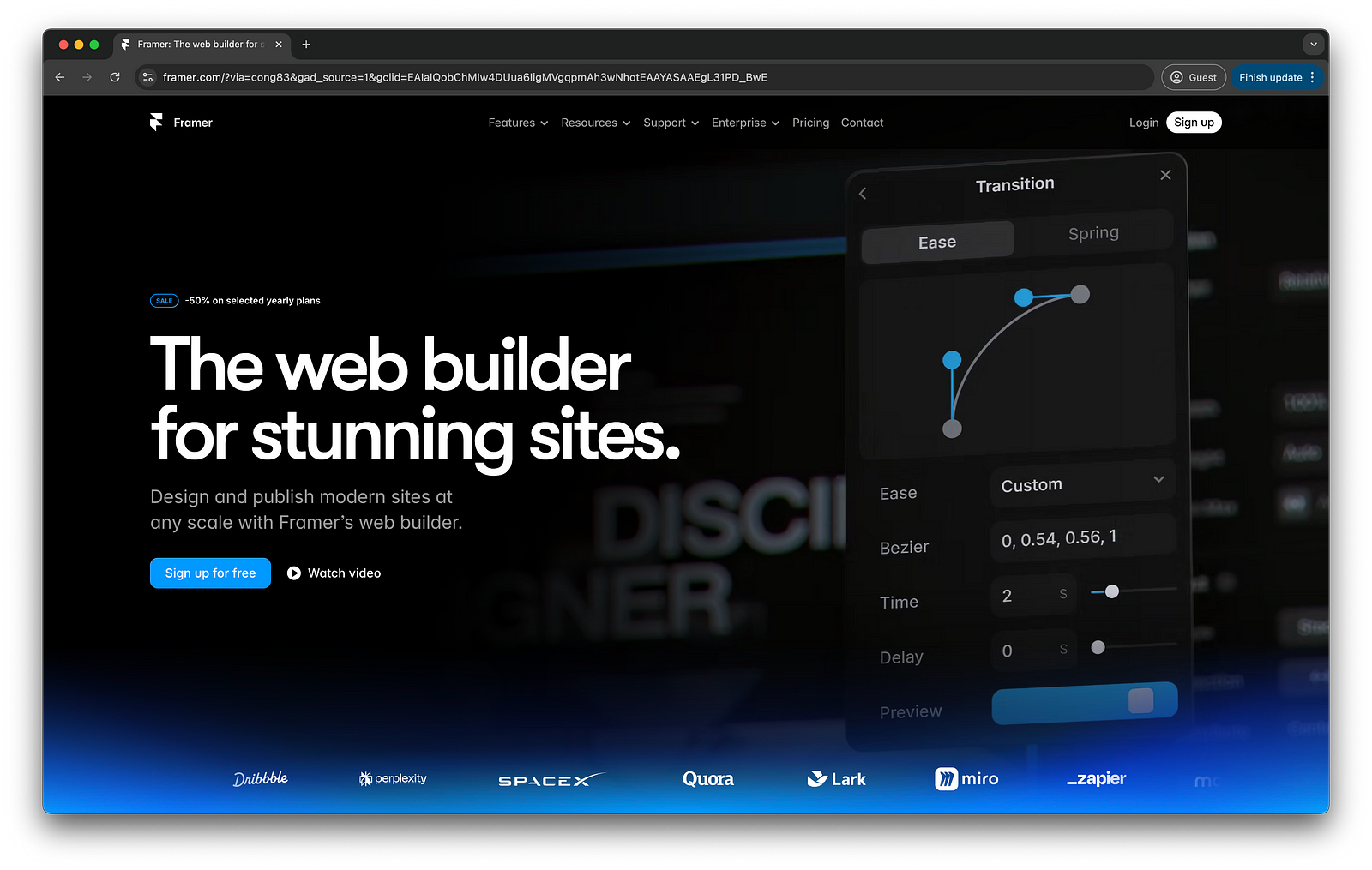
One of the best features of Framer is we can convert Figma design to Framer. It also helps us with the responsive features, so it will be more intuitive for the client to see the design.
But every application will always have a downside, Framer requires a deep understanding of the application, and it’s not an easy gun to use. You need to know the basics of animation, code, and the most important thing about a design system.
3. Figjam
Figjam for us is a UX low-key application, it has many features and templates for UX workflow. As one of the Figma application, FigJam is also a cloud-based application. It can be used together to help a collaboration work.
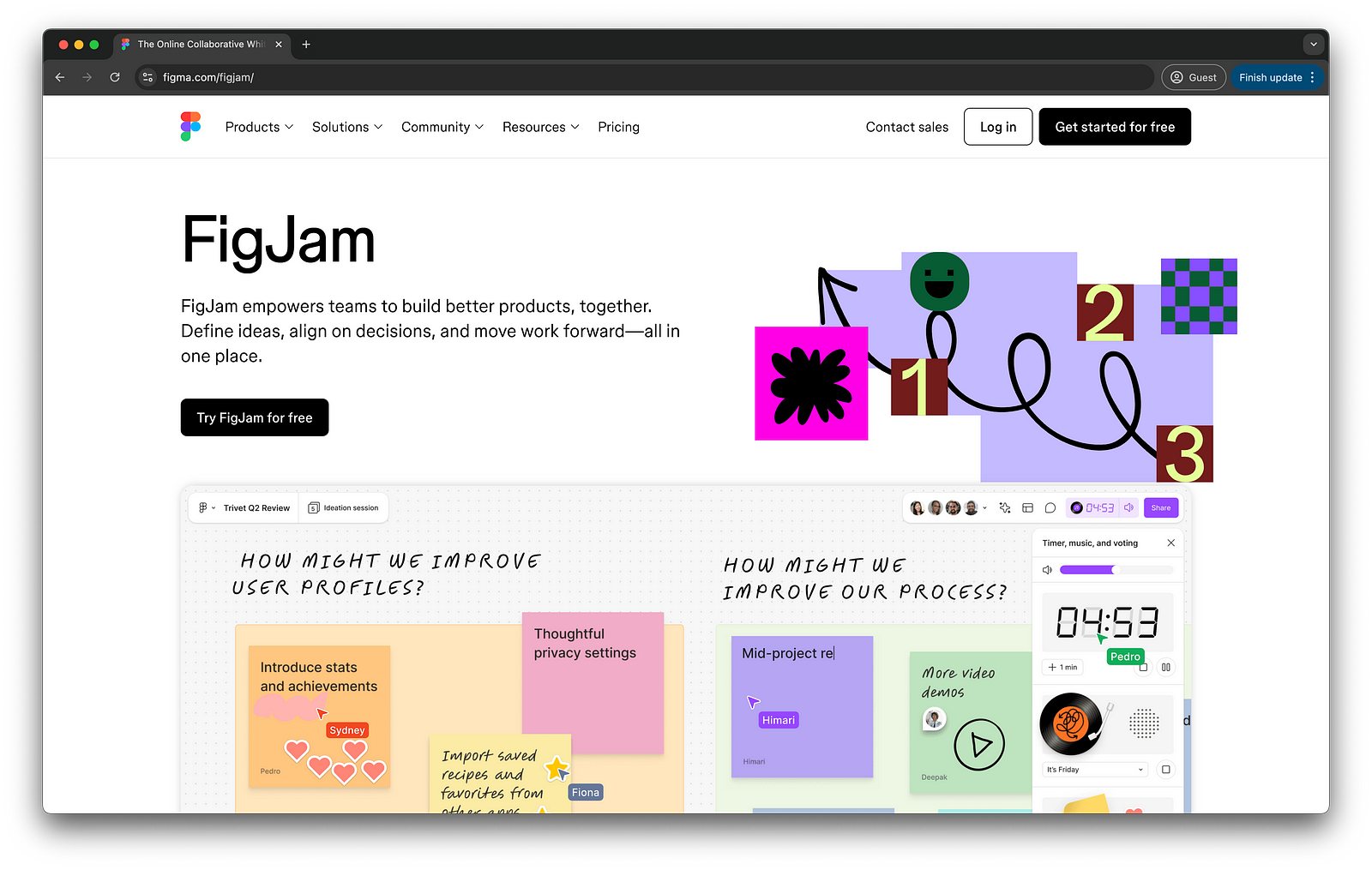
One of the problems for FigJam is the interface is too playful, which can make a downside for a professional type client that requires a firm and rigid look. For this problem, you can use Draw.io, but with fewer features than FigJam
Overall we are recommending Figma as the tools for UI and UX design with Framer and FigJam as the supporting tools for special projects.